GCSE Maths students revising a topic and teachers who want a fresh worksheet without writing questions by hand.
كيف يعمل
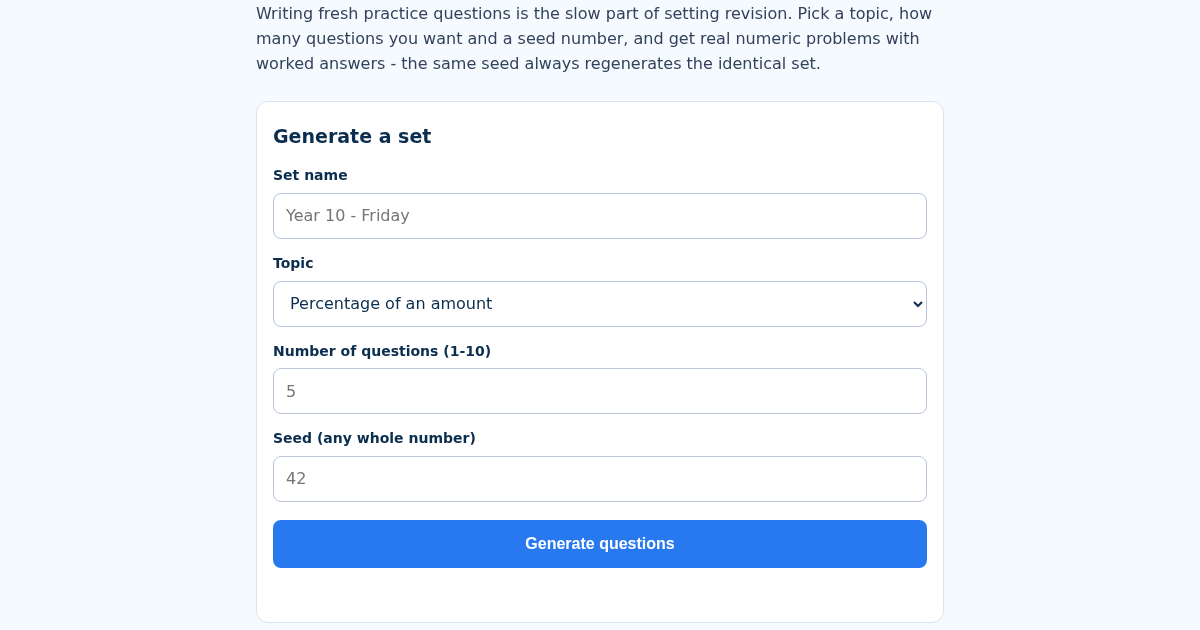
- Name this set, e.g. "Year 10 - Friday".
- Choose a topic and how many questions you want (up to 10).
- Enter a seed number - any whole number works, and the same one always regenerates the same set.
- Get your questions with worked answers; the set stays saved.
ماذا تكسب
- Four GCSE topics (percentages, linear equations, rectangle area, simple interest) generated from real formulas, not looked up from a bank of pre-written questions
- A seeded generator (not Math.random) - the SAME seed always produces the SAME set, so a teacher can hand out an identical worksheet twice or generate a fresh one just by changing the seed
- Every question ships with the worked numeric answer, not just the question text
- Up to 10 questions per set
لقطة شاشة
تفاصيل تقنية
كيفية الإعداد والاستخدام
- اشترِ الترخيص — يظهر مفتاحك (lic_...) في صفحة الطلب وبريدك الإلكتروني.
- سجّل الدخول في app.synoriaai.com بمفتاح الترخيص.
- لا حاجة للتثبيت — يعمل المنتج في المتصفح على نسختك المعزولة.
- 1. Open the GCSEMathsGen page.
- 2. Enter a name for your question set (e.g., 'Year 10 - Friday').
- 3. Choose a topic from the dropdown (percentages, linear equations, rectangle area, or simple interest).
- 4. Set the number of questions (up to 10) and optionally enter a seed number to control the questions.
- 5. Click the 'Generate' button to create your set. Each question shows its worked answer below it.
الأسئلة الشائعة
Are the questions randomly generated each time?
No, the generator uses a seed. If you use the same seed and settings, you get the exact same questions and answers. Change the seed to get a different set.
Does this tool store my question sets or personal data?
The tool only uses the name you enter to label your set on the screen. It does not save your data to a server or share it with anyone.
Can I use this for topics not listed?
No, it only covers four topics: percentages, linear equations, rectangle area, and simple interest. Other maths topics are not included.
منتجات ذات صلة
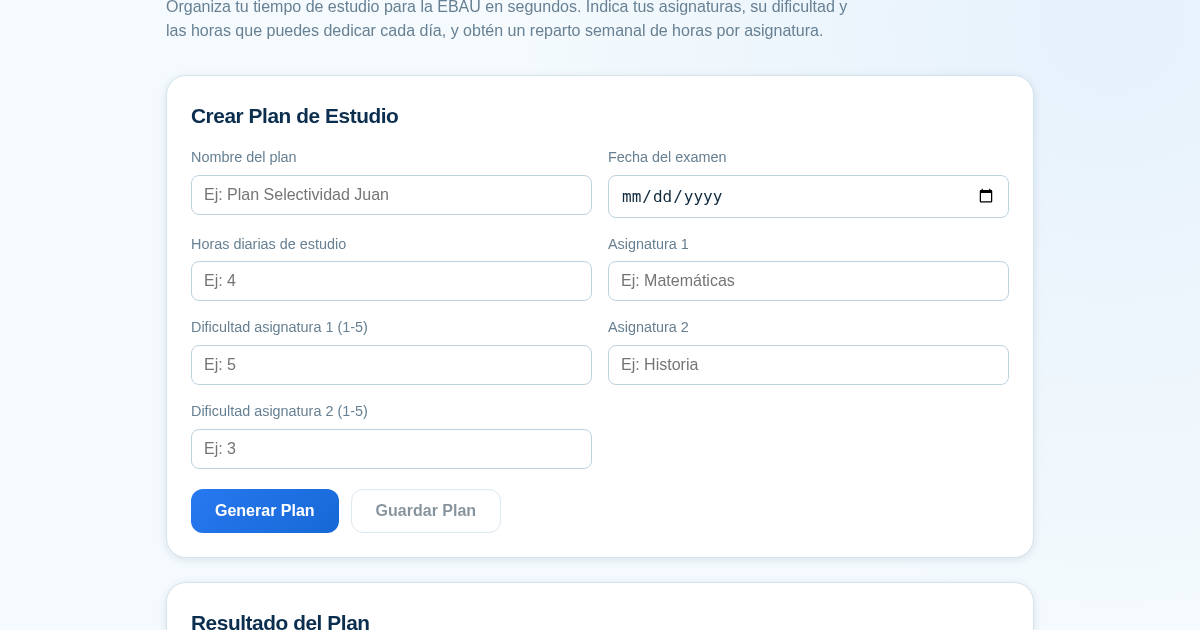
Planificador de Estudio para la EBAU
Organiza tu tiempo de estudio para la EBAU en segundos. Indica tus asignaturas, su dificultad y las horas que puedes dedicar cada día, y obtén un reparto semanal de horas por asignatura, guardado para que siempre puedas…
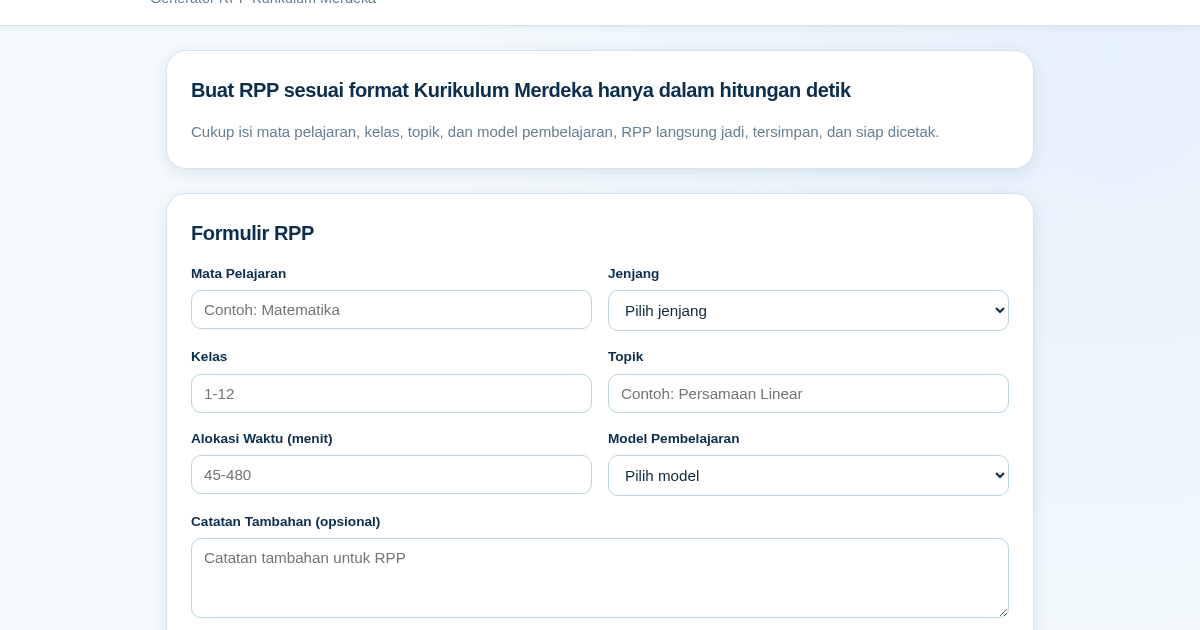
RPP Instan – Generator RPP Kurikulum Merdeka
RPP Instan membantu guru di Indonesia membuat Rencana Pelaksanaan Pembelajaran (RPP) sesuai Kurikulum Merdeka dengan cepat. Guru cukup mengisi formulir singkat, dan RPP langsung tersusun otomatis sesuai struktur yang…
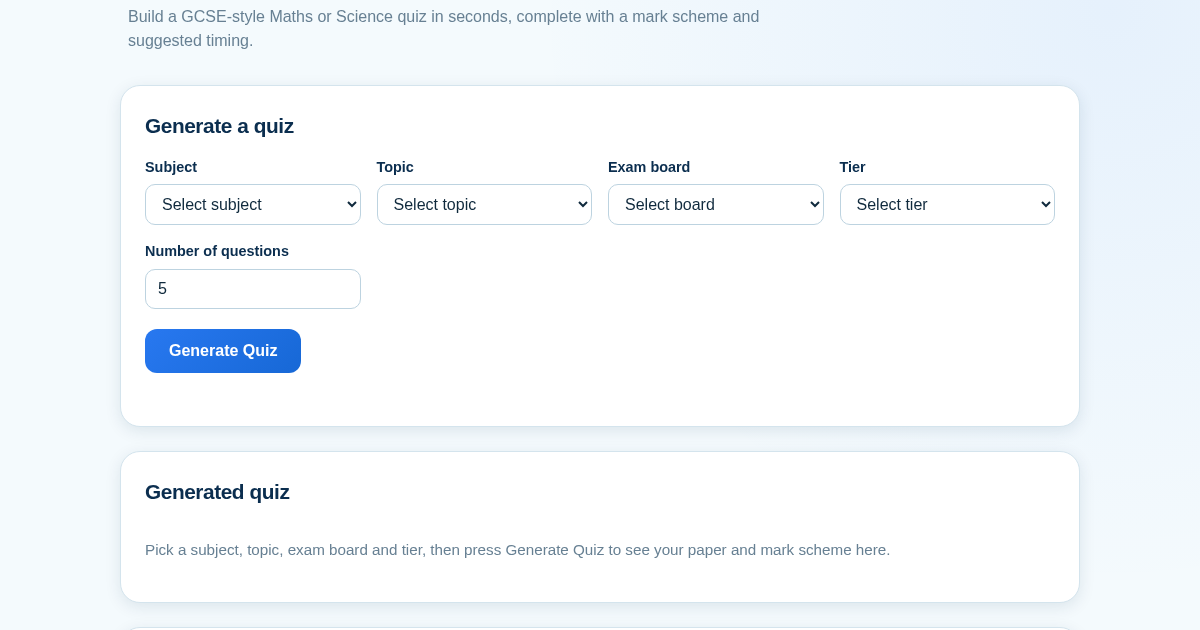
GCSE Quiz Generator for Teachers
GCSE Quiz Generator helps UK secondary school teachers and private tutors quickly create GCSE-style Maths and Science quiz papers from a built-in question bank. It automatically provides a mark scheme and suggested exam…
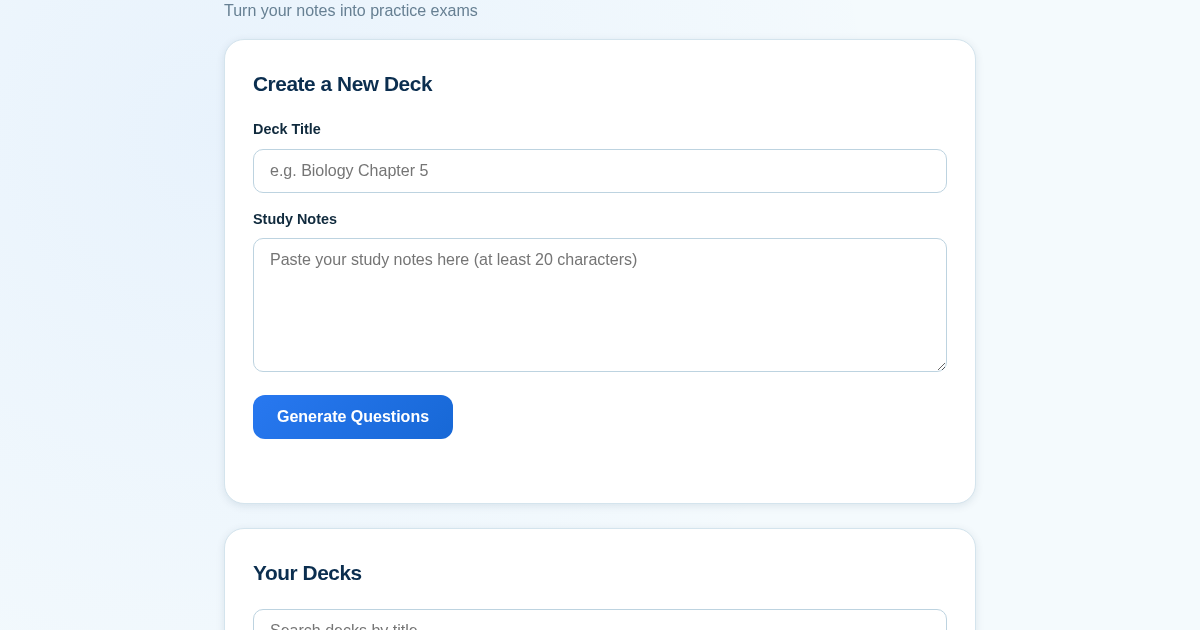
ExamGenius — Turn Your Notes Into Practice Exams
ExamGenius turns pasted study notes into practice quiz questions and schedules reviews using a spaced-repetition algorithm so learners retain material longer. Users paste notes, generate a question deck, self-grade…